Close
Health Systems
Primary Care
Diabetes Care
Behavioral Health
Log in
Get Started
About
Support
Blog
News
Health Systems
Primary Care
Diabetes Care
Behavioral Health
Log in
Get Started
FAQ
Having trouble with your device?
CLICK YOUR CERAS HEALTH DEVICE TO VIEW COMMON QUESTIONS
Ceras Empower
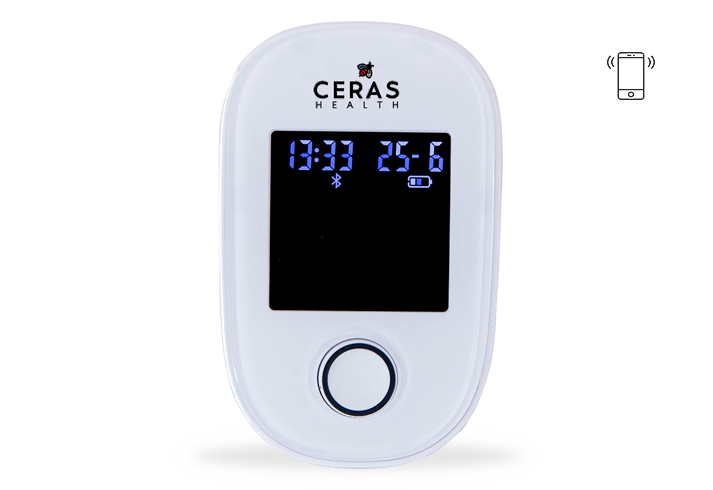
b700 Glucometer
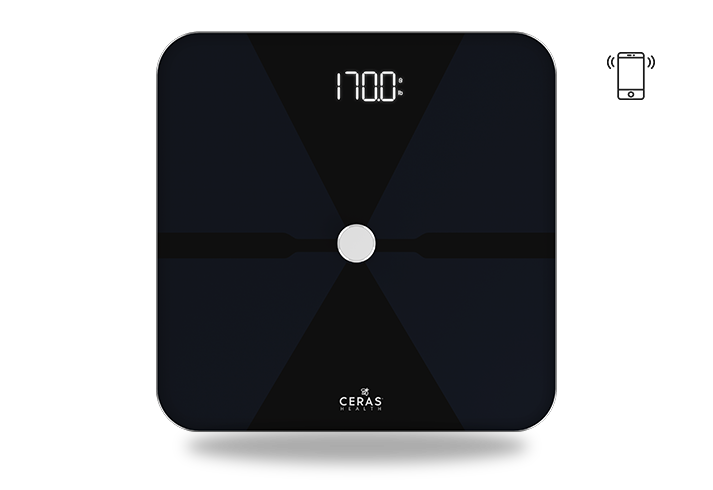
b500 Smart Weightscale
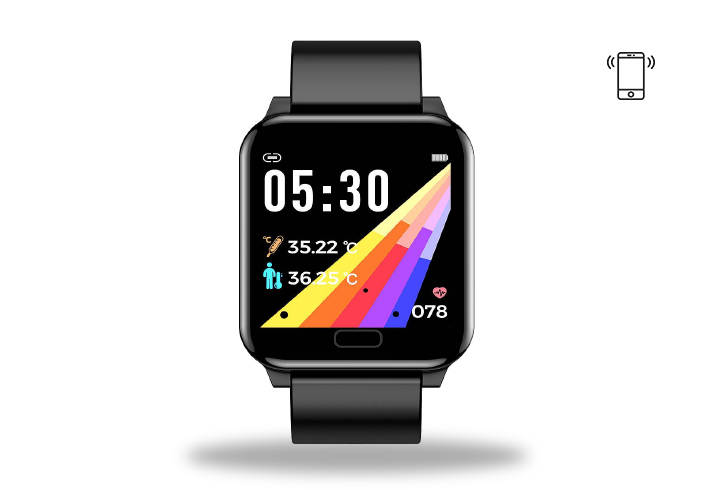
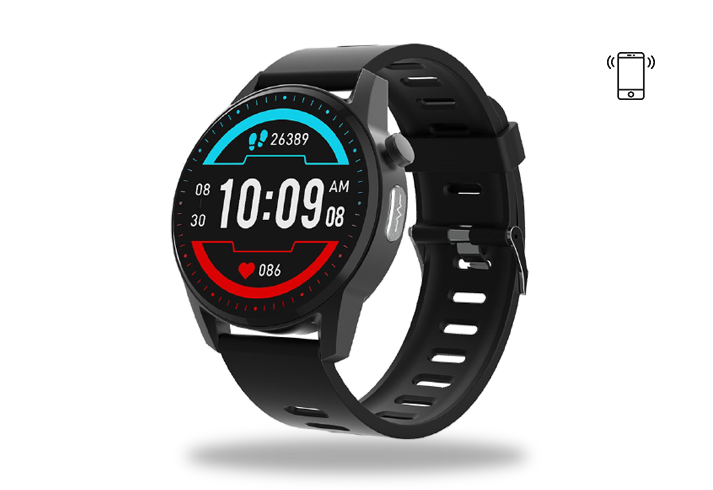
b300+ Smart Watch
b330 Smart Watch
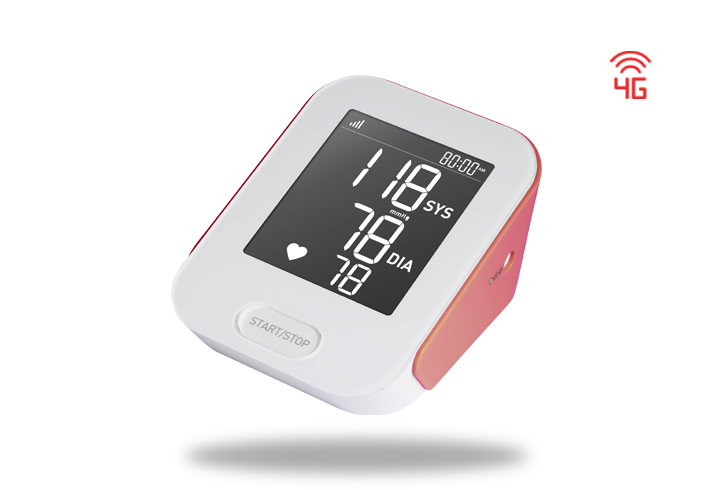
b380 Blood Pressure Cuff
Frequently Asked Questions
Password Reset
+
Website
Click “Log in”
Click “forgot password”
Open your email and open your most recent email saying, “Ceras
Health, Reset Your Password”
Once you open your email, click the red button that says, “Reset
Password”
A form will pop up and you will create a new password.
When you have completed the password form, click “get started”. A pop
up message saying “Success, Password updated successfully”
Mobile App
Open the Ceras Mobile App and tap Access Health Data at the bottom
of the screen.
Tap “Forgot Password ??” at the bottom of the screen
Enter your email address
You will receive a 6-digit one time passcode to email.
Go back to the app and enter the 6-digit one time passcode
You will be guided to a password form.
Tap “
Confirm”
once you have completed the password form. to save
their new password
Their health data will now be visible
Contact Customer Care
877-723-7277
PRESS
1
for help desk/Device Activation
PRESS
2
for Enrollment Center
PRESS
3
for Clinical Care Coordinator
Or
Email us at:
support@cerashealth.com